The Soft4FX Forex Simulator/ Backtester (How to Install the Full Version)
Backtesting your trades can be a game-changer if your goal is to become consistently profitable. But without the right tools, this process can be frustrating, and you’ll most likely never get past the break-even stage. The software we are going to review has helped thousands of traders make significant progress in a short amount of time and can do the same for you if this is your goal.
Learn how to install the full version of the Soft4FX Forex Simulator with lifetime access using a free discount code.
–> Watch the video in this article for a complete installation tutorial!
The Problem with ‘Normal’ Demo Accounts
The Solution: Soft4FX Forex Simulator/ Backtester
How to Set Up and use the Soft4FX Forex Simulator
Helpful Links
Video Tutorial (Step-by-step)
The Problem with ‘Normal’ Demo Accounts
Regular demo accounts are very limited and only allow basic trades with restricted data access. While they can give a complete beginner a feel for the markets without trading on a live account, using a demo has not helped anyone become a successful trader, and it won’t help you either. The biggest drawback of trading on a demo account is that you often have to sit in front of the computer screen for hours and days, waiting for your setup. This can lead most new traders to deviate from their strategy, become impatient, and ultimately end up with a series of bad trades.
Biggest drawbacks:
- Cannot fast forward: You can’t skip ahead to see how trades would perform in different market conditions.
- Can only trade ‘live’: You can’t fast forward, skip candles, or pause the market; you can only trade when the candles move in real time, even on a demo account.
- No access to previous trading days: You miss the opportunity to analyze historical data for better decision-making.
The Solution: Soft4FX Forex Simulator/ Backtester
This software is specifically designed as a plug-in for MetaTrader, the leading trading platform in the industry. It enables you to trade any currency pair on any timeframe, allowing you to practice your trading skills and backtest strategies effectively. You can access historical data, which means you can simulate trades as if you are trading live on any selected day/time for up to 10 years in the past!
It also includes features that allow you to speed up the market, skip candles, and pause the market, giving you full control over your trading experience. You can save and load different simulations and trading sessions to continue at a later date.
And the best part? The Soft4FX Forex Simulator has been successfully used by all our traders to further their trading development. We also use it in our weekly live sessions to demonstrate strategies and backtest popular assets like Gold (XAU/USD), currency pairs such as GBP/JPY and EUR/USD, as well as indices and commodities like Oil!
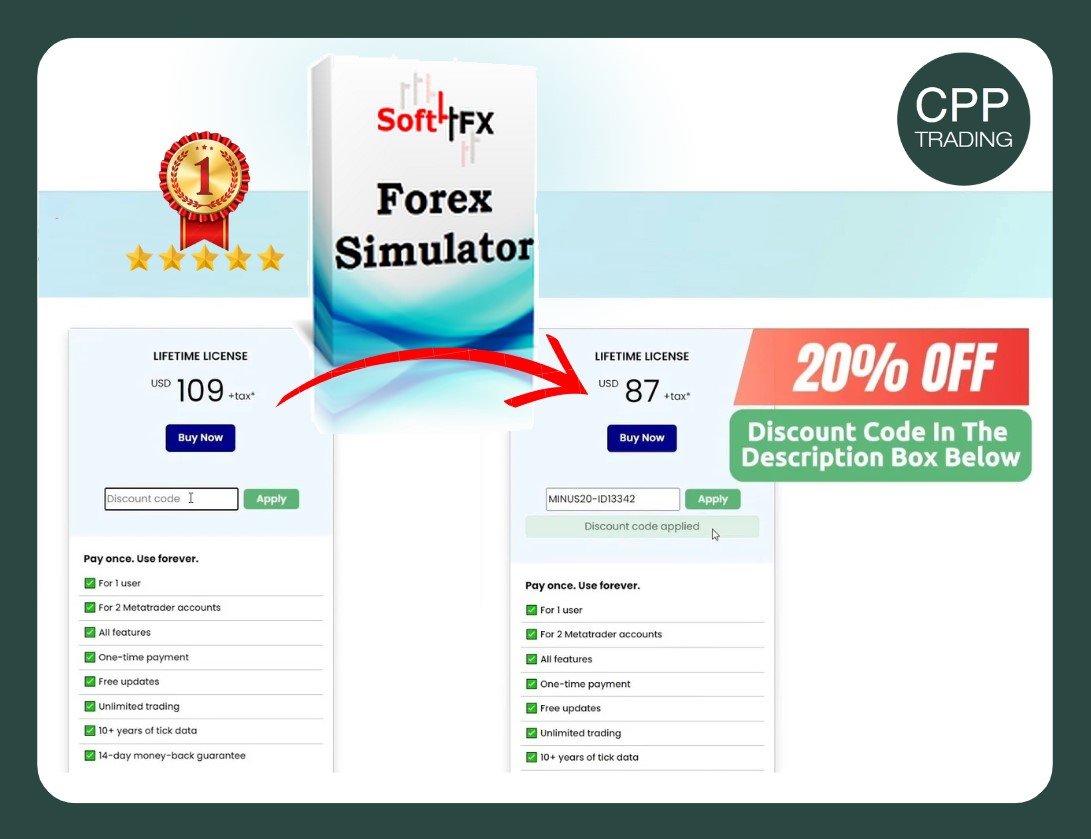
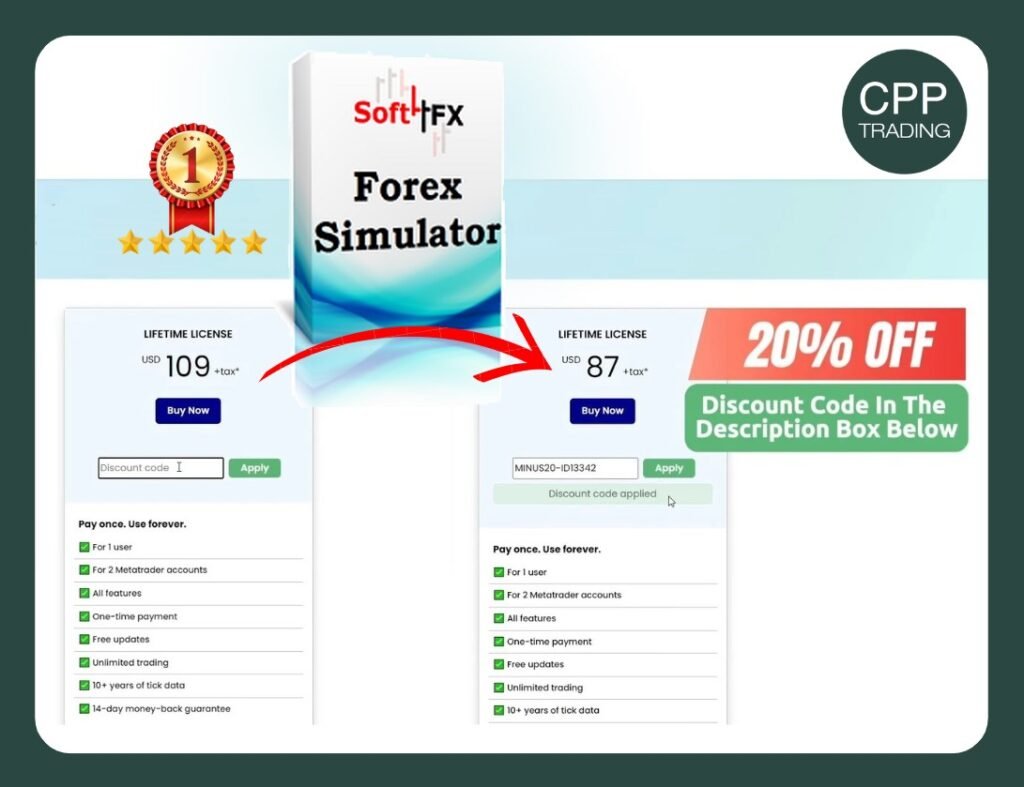
CPP Trading has secured a special discount for you — 20% OFF — with a limited-time coupon.
Discount Code: MINUS20-ID13342
How to Set Up and use the Soft4FX Forex Simulator
On the Soft4FX website, you’ll see two options: a demo and a full version. While the demo limits you to only a few trades and lacks essential features, the full version offers unlimited trades, lifetime access, free updates, and more. The full license is ideal for anyone serious about progressing in trading. If trading is just a hobby without the intent to eventually become consistently profitable, then the demo may be enough.
- Get the Full Version: Since the full version is the preferred choice for committed traders, take advantage of our 20% Discount Code available to all CPP Traders and secure your lifetime license.
- Download and Set Up the Software: Once purchased, download Soft4FX. Note: This software is designed for Windows, but Mac users can access it through a Virtual Private Server (VPS). Below, you’ll find a link to a discounted VPS option, suitable for Soft4FX and all general trading needs to guarantee 24-hour uptime!
If you don’t have MetaTrader 4 (MT4), you can download it for free from any of our partner brokers, such as FXView or Fusion Markets. By signing up through CPP Trading, you’ll receive exclusive discounts on all live trades once you start trading with real money, helping you save more and earn more. - Log In and Install Soft4FX: Log into your MT4 demo account (or create one if necessary). Then, in MT4, go to File > Open Data Folder > MQL4 > Experts and copy the Soft4FX file into this folder. Restart MT4, and you should see Soft4FX in the left panel.
Double-click it, enter the activation code from your email, and you’re ready to go. You’ll access a Data Center to download historical data, ideal for testing strategies under different market conditions. - Final Step: You’re now ready to start! You’ve successfully installed the #1 Trading Simulator and Backtester. For more guidance and to get the most out of it, join the ‘CPP Traders Master Group’ for weekly live sessions covering trading strategies, market behavior, and psychology. This group is perfect for traders aiming to become consistently profitable.
Helpful Links
- Soft4FX Forex Simulator: 20% Discount Code: MINUS20-ID13342
- Discounted VPS for Mac and Windows Users: 20% Discount Code: CPP20
Run the software smoothly on a Mac with Forex VPS and trade live 24/7!
- Open Free Trading Account : Open a free live and demo account with one of our tested brokers and better trading conditions with exclusive commission discounts on all your live trades!

Exclusive Rebates for CPP Traders
Earn a $1+ rebate for every standard lot traded when you open an account through CPP Trading.
✓ No added cost
✓ Paid automatically
✓ Earn $1+ per lot
✓ Lifetime rebates
Video Tutorial (Step-by-step)
Watch this YouTube video for a detailed, step-by-step tutorial on how to install the Soft4FX Forex Simulator and learn how to backtest efficiently in order to become a profitable trader.
The #1 Trading Software – A Must-Have for Successful Trading!
Video Link: https://youtu.be/6oT3qD2IRCY
At CPP Trading, we learn, earn, and grow together as a community!
Have questions or thoughts? Leave them in the comments below – we’d love to hear from you! If you found this post helpful, give it a like and make sure to stay tuned for more content.
Trade safe,
Ian
Founder & Head Mentor of CPP Trading
Follow us for free trading education and career opportunities.